
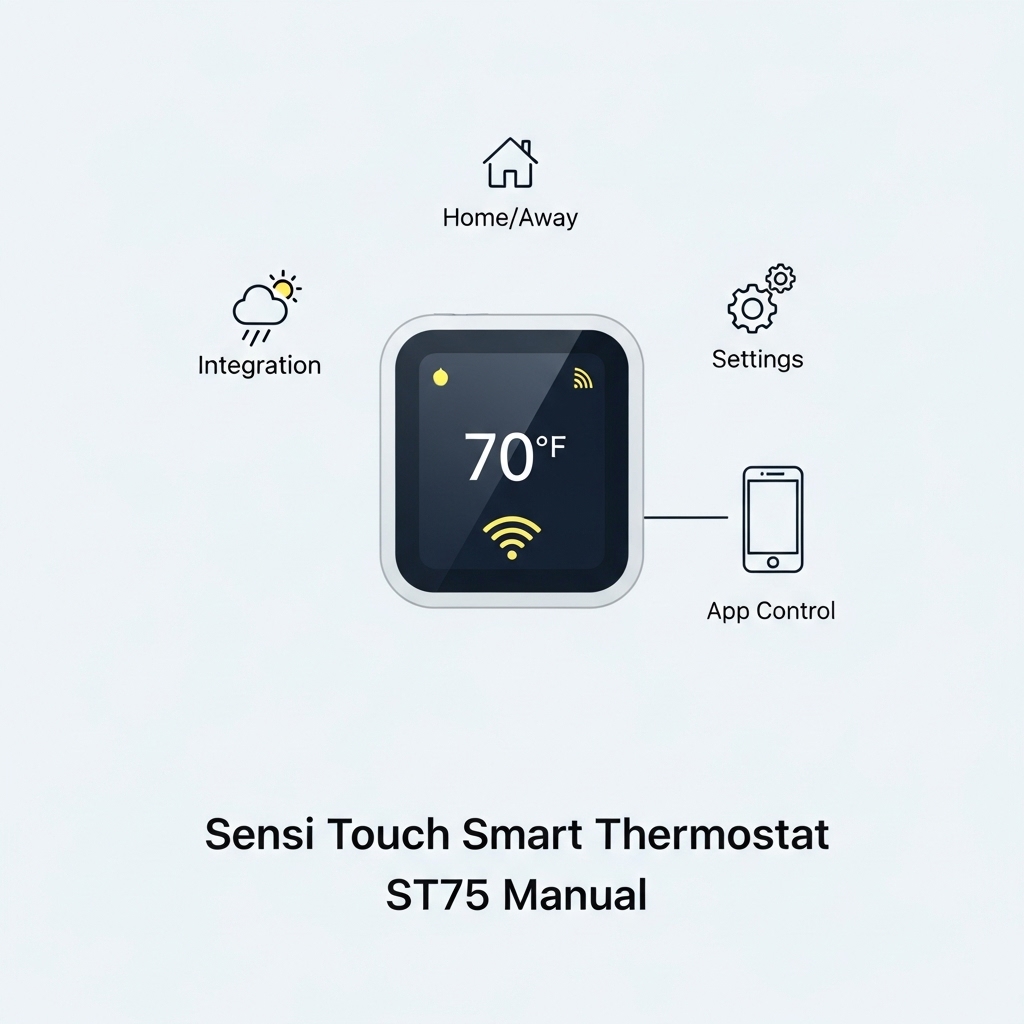
The Sensi Touch Smart Thermostat ST75 is one of the most advanced smart thermostats available today, combining a sleek touchscreen design with powerful Wi-Fi connectivity and intuitive app control 📱. Whether you’re installing it for the first time or looking to explore its full potential, having a clear and practical manual makes all the difference. This guide was created to simplify every step of the process, from initial setup to daily use. You’ll learn how to connect the ST75 to Wi-Fi, configure the Sensi app, and take advantage of smart features that improve comfort and energy efficiency ⚡. If you want a smooth, frustration-free experience, you’re in the right place.
Introduction
The Sensi Touch Smart Thermostat ST75 is designed for users who want a perfect balance between modern design, smart technology, and reliable performance 🌡️. With its responsive touchscreen, built-in Wi-Fi, and seamless integration with the Sensi mobile app, the ST75 gives you full control over your home’s temperature from anywhere. Whether you’re upgrading from a traditional thermostat or replacing an older smart model, understanding how this device works is essential for getting the best results.
This manual-style guide was created to be clear, practical, and easy to follow, even if you don’t have technical experience 🔧. From the moment you open the box, we’ll walk you through installation basics, wiring compatibility, and initial power-up. You’ll also learn how to connect the Sensi Touch ST75 to your Wi-Fi network, pair it with the Sensi app, and customize settings directly from your smartphone 📱.
Beyond basic setup, the Sensi Touch ST75 offers advanced features that can significantly improve comfort and energy efficiency ⚡. Scheduling, geofencing, and smart alerts allow the thermostat to adapt to your routine, helping reduce energy waste without sacrificing comfort. This guide explains these features in simple terms, showing how to activate them and when to use each option for the best performance.
If you encounter connection issues, touchscreen responsiveness problems, or temperature inconsistencies, this manual also serves as a reliable troubleshooting reference 🛠️. By the end of this guide, you’ll feel confident using every major function of the Sensi Touch Smart Thermostat ST75, ensuring a smooth setup process and long-term, hassle-free operation in your home.
Main
📘 Sensi Touch Smart Thermostat ST75 Manual: Complete User Guide
The Sensi Touch Smart Thermostat ST75 is a premium smart thermostat built for homeowners who want intuitive control, modern design, and reliable energy savings 🌡️. Featuring a sleek touchscreen display, Wi-Fi connectivity, and full app integration, the ST75 is designed to work seamlessly with your daily routine. This complete manual-style guide walks you through installation, setup, advanced features, and troubleshooting so you can get the most out of your device.
📦 What’s Included in the Box
Before starting the installation, make sure all components are present. Having everything ready will make the setup process faster and smoother.
- Sensi Touch Smart Thermostat ST75
- Mounting plate and screws
- Quick start guide
- Wire labels
- Level (built into the mounting plate)
🔌 Compatibility and Wiring Overview
The Sensi Touch ST75 is compatible with most 24V HVAC systems, including gas, electric, oil, heat pumps, and dual-fuel systems 🔧. It does not require a C-wire in many setups, but having one improves Wi-Fi stability.
Common Supported Systems
- Conventional heating and cooling (1H/1C, 2H/2C)
- Heat pumps (with or without auxiliary heat)
- Boilers and furnaces
Wiring Tips
- Turn off power at the breaker before handling wires ⚠️
- Label each wire before removing the old thermostat
- Follow terminal labels exactly as shown in the app
🛠️ Step-by-Step Installation Guide
Installing the Sensi Touch ST75 typically takes 30–45 minutes. Follow these steps carefully for best results.
- Turn off HVAC power at the circuit breaker
- Remove your old thermostat and take a photo of the wiring
- Label the wires using the included stickers
- Attach the mounting plate to the wall
- Connect wires to matching terminals
- Snap the thermostat onto the mounting plate
- Restore power to the HVAC system
Once powered on, the touchscreen will guide you through initial configuration 📲.
📡 Wi-Fi Setup and App Configuration
The ST75 works with the Sensi app, available for iOS and Android. Wi-Fi setup is essential for remote control, scheduling, and smart alerts.
How to Connect to Wi-Fi
- Download and open the Sensi app
- Create or sign in to your Sensi account
- Select “Add Thermostat”
- Follow on-screen instructions to connect to Wi-Fi
- Confirm successful connection in the app
Make sure you’re using a 2.4GHz Wi-Fi network for the most stable connection 📶.
📱 Using the Touchscreen Interface
The Sensi Touch ST75 features a responsive color touchscreen that allows quick access to temperature control and system modes.
Main Touchscreen Functions
- Adjust heating and cooling setpoints
- Switch between Heat, Cool, Auto, and Off modes
- View indoor temperature and humidity
- Access basic settings without the app
The interface is designed to be intuitive, making it easy for all household members to use 👍.
⏰ Scheduling and Energy-Saving Features
One of the biggest advantages of the ST75 is its smart scheduling system, which helps reduce energy consumption without sacrificing comfort ⚡.
Creating a Schedule
- Open the Sensi app
- Go to “Schedule”
- Select weekdays or weekends
- Set temperature changes based on your routine
- Save and activate the schedule
Smart Features Explained
- Geofencing: Adjusts temperature based on your phone’s location
- Flexible scheduling: Customize different times of day
- Usage reports: Track energy consumption trends
🔔 Alerts, Notifications, and Maintenance
The Sensi Touch ST75 keeps you informed with helpful alerts and reminders 🛎️.
- Filter replacement reminders
- Extreme temperature alerts
- System performance notifications
These alerts help maintain HVAC efficiency and prevent unexpected breakdowns.
🧠 Smart Home Integration
The ST75 integrates smoothly with popular smart home platforms, allowing voice control and automation 🤖.
Supported Platforms
- Amazon Alexa
- Google Assistant
- Apple HomeKit
Once linked, you can adjust temperature using simple voice commands or include the thermostat in automation routines.
🛠️ Troubleshooting Common Issues
If you encounter problems, most issues can be resolved quickly without professional help.
Wi-Fi Connection Problems
- Confirm your router is online
- Move the router closer to the thermostat
- Restart the thermostat and router
HVAC Not Turning On
- Check wiring connections
- Confirm correct system type during setup
- Ensure breaker power is restored
Touchscreen Not Responding
- Clean the screen gently with a dry cloth
- Restart the thermostat
- Check for firmware updates in the app
🔄 Reset and Factory Reset Instructions
Resetting the Sensi Touch ST75 can resolve persistent issues.
Soft Reset
- Restart the thermostat from the app or power cycle it
Factory Reset
- Open the thermostat menu
- Select “Reset”
- Confirm factory reset
- Reconfigure Wi-Fi and system settings
✅ Final Tips for Best Performance
To get the best long-term performance from your Sensi Touch Smart Thermostat ST75, keep these tips in mind:
- Use schedules instead of manual adjustments
- Enable alerts and reminders
- Keep firmware updated
- Check HVAC filters regularly
With proper setup and regular use, the Sensi Touch ST75 delivers comfort, convenience, and energy savings all year round 🌟.
Table of contents
Editorial Process
Warning
Tags
