
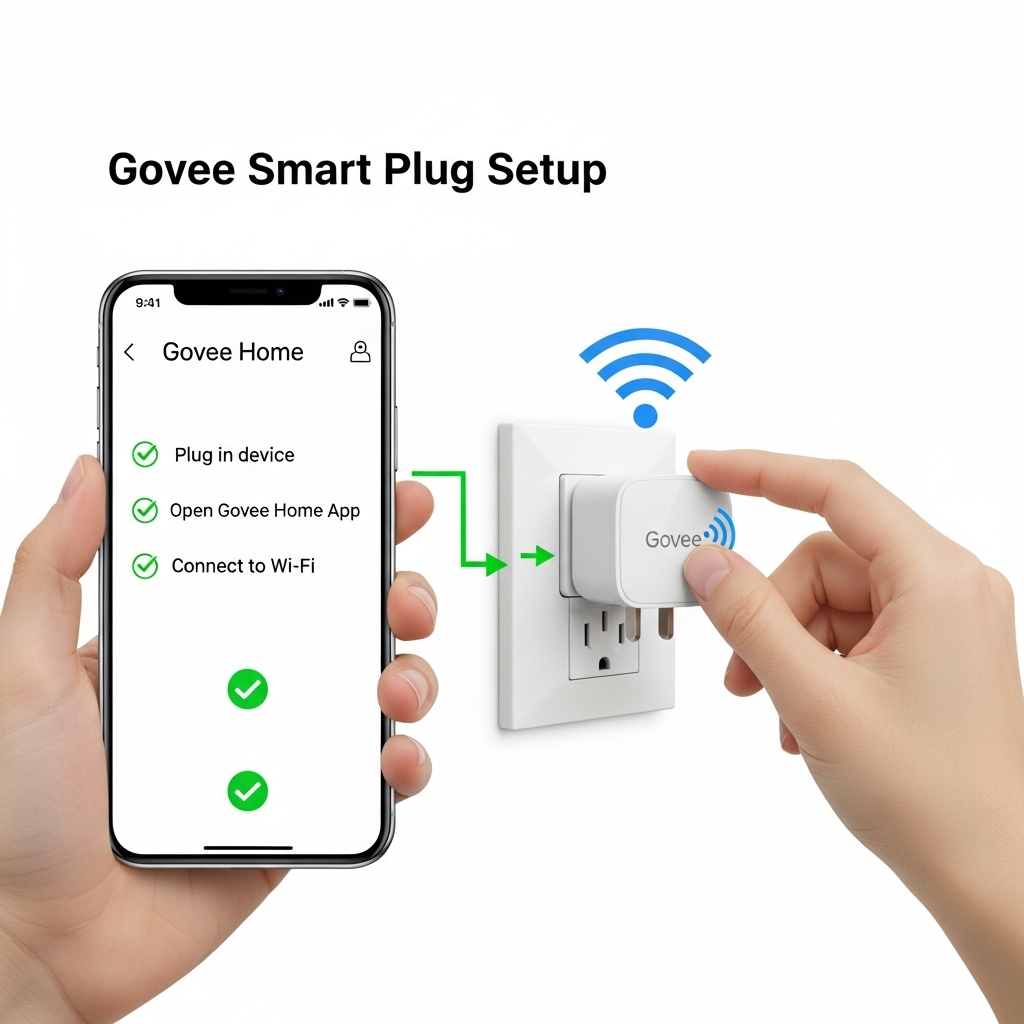
The Govee Smart Plug is an easy and reliable way to bring smart control to everyday appliances without changing your home’s wiring. Designed for quick installation and seamless app integration, it allows you to turn devices on and off remotely, create schedules, and automate routines using your smartphone or voice assistants. 🔌📱 In this Govee Smart Plug setup guide, you’ll learn how to get your device up and running in minutes, from plugging it in and connecting to Wi-Fi to completing the app configuration. Whether you’re new to smart home devices or expanding an existing setup, proper configuration is key to ensuring stable performance and smooth automation. ⚙️✨
Introduction
The Govee Smart Plug is a simple yet powerful smart home accessory that lets you control everyday appliances with ease. By connecting to your Wi-Fi network and the Govee Home app, this compact device allows you to turn electronics on or off remotely, set schedules, and create automated routines that fit your daily lifestyle. It’s an ideal entry point for anyone looking to start building a smarter, more connected home. 🔌🏠
This Govee Smart Plug Setup guide is designed to walk you through the entire process, from initial installation to advanced configuration. Whether you’re setting up your first smart plug or adding multiple devices to an existing smart home ecosystem, following the correct steps ensures stable connectivity and reliable performance. Proper setup also helps prevent common Wi-Fi and pairing issues that can occur during installation. ⚙️📶
Beyond basic on/off control, the Govee Smart Plug offers useful automation features that enhance convenience and energy efficiency. With support for voice assistants, scheduling, and app-based control, you can manage your devices even when you’re away from home. In the sections ahead, you’ll learn how to complete the setup, optimize your settings, and troubleshoot common problems to get the most out of your Govee Smart Plug. ✨📱
Main
Overview of the Govee Smart Plug 🔌
The Govee Smart Plug is a compact and user-friendly device designed to add smart functionality to standard electrical outlets. It allows you to control connected appliances remotely through the Govee Home app, making everyday devices smarter without requiring rewiring or professional installation. Common use cases include lamps, fans, coffee makers, and other small appliances that benefit from scheduled or remote control. ⚡
By connecting directly to your home’s Wi-Fi network, the Govee Smart Plug operates independently without the need for a separate hub. This makes it an accessible option for both beginners and experienced smart home users looking for a quick and reliable automation solution.
What You Need Before Setup 🧠
Before starting the setup process, it’s important to confirm that you have everything required to ensure a smooth installation. Proper preparation helps avoid pairing errors and connectivity issues during configuration.
- A compatible Govee Smart Plug model
- A stable 2.4 GHz Wi-Fi network 📶
- A smartphone or tablet (iOS or Android)
- The Govee Home app installed and updated
- An active Govee account
Most Govee smart plugs do not support 5 GHz Wi-Fi networks, so confirming your router settings in advance is highly recommended.
How to Set Up the Govee Smart Plug ⚙️
Setting up the Govee Smart Plug is designed to be quick and intuitive. Start by plugging the device into a standard wall outlet within range of your Wi-Fi router.
Once powered on, the indicator light should begin blinking, signaling that the plug is ready for pairing. Open the Govee Home app and follow the on-screen instructions to add a new device. 📱
- Open the Govee Home app and tap “Add Device”
- Select “Smart Plug” from the device list
- Confirm your Wi-Fi network and enter the password
- Wait for the pairing process to complete
After successful pairing, the smart plug will appear in your device list and be ready for immediate use.
App Configuration and Device Settings 📱
Once the Govee Smart Plug is connected, the app allows you to customize how the device behaves. You can rename the plug, assign it to a room, and adjust basic preferences for easier control.
These settings are especially helpful when managing multiple smart plugs throughout your home, as clear naming improves organization and voice assistant accuracy. 🏠
The app interface also provides quick access to manual on/off controls, allowing you to manage connected devices from anywhere with an internet connection.
Scheduling and Automation Features ⏰
One of the most useful features of the Govee Smart Plug is its built-in scheduling and automation capabilities. These tools allow you to automate everyday tasks and reduce unnecessary energy usage.
- Create schedules to turn devices on or off at specific times
- Set countdown timers for automatic shutoff
- Automate lighting or appliances based on daily routines
- Reduce standby power consumption 🔋
Using schedules is particularly helpful for lighting control, seasonal decorations, and appliances that don’t need to run continuously.
Voice Assistant Integration 🗣️
The Govee Smart Plug supports popular voice assistants, allowing for hands-free control of connected devices. Once linked, you can turn appliances on or off using simple voice commands.
Integration typically requires linking your Govee account within the voice assistant’s app. After setup, commands such as turning lights on or off become instant and convenient. 🎤
Voice control enhances accessibility and works especially well in kitchens, bedrooms, and living spaces.
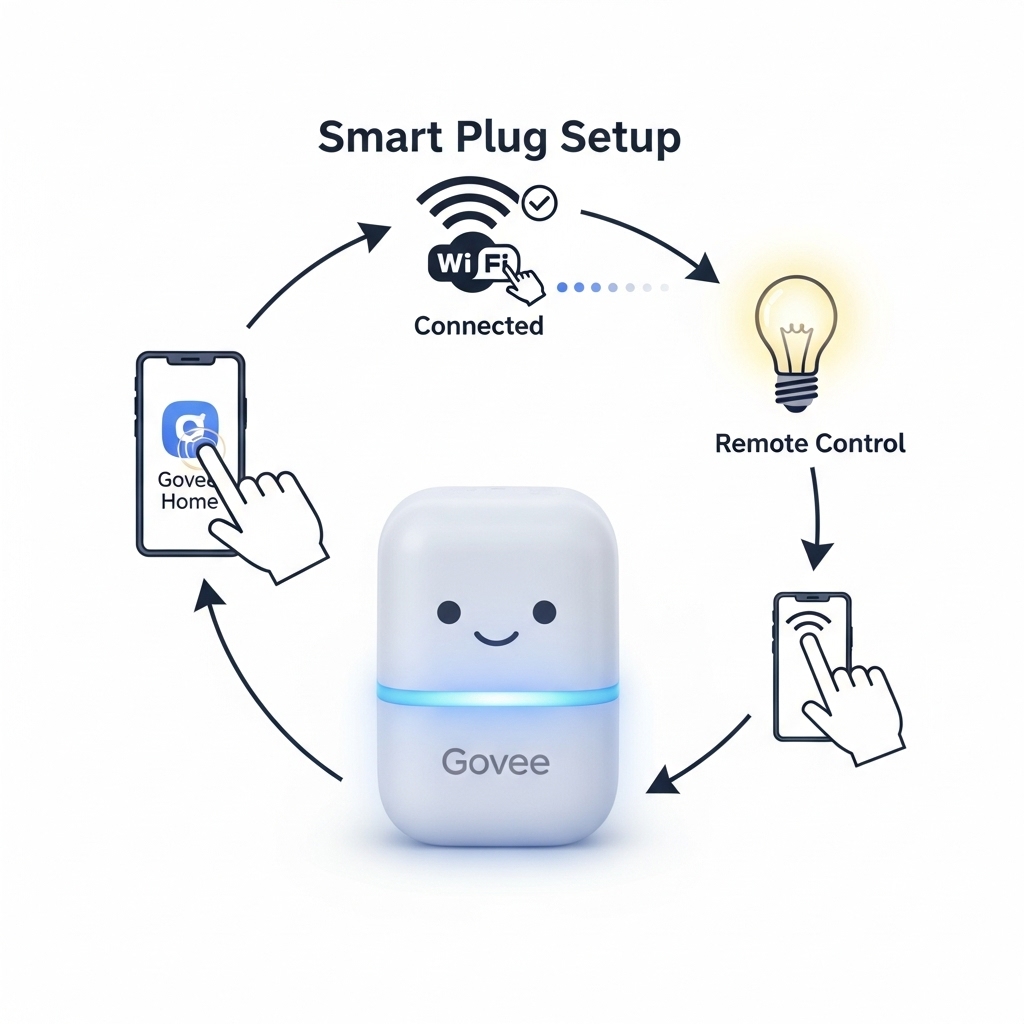
Table of contents
Editorial Process
Warning
Tags
