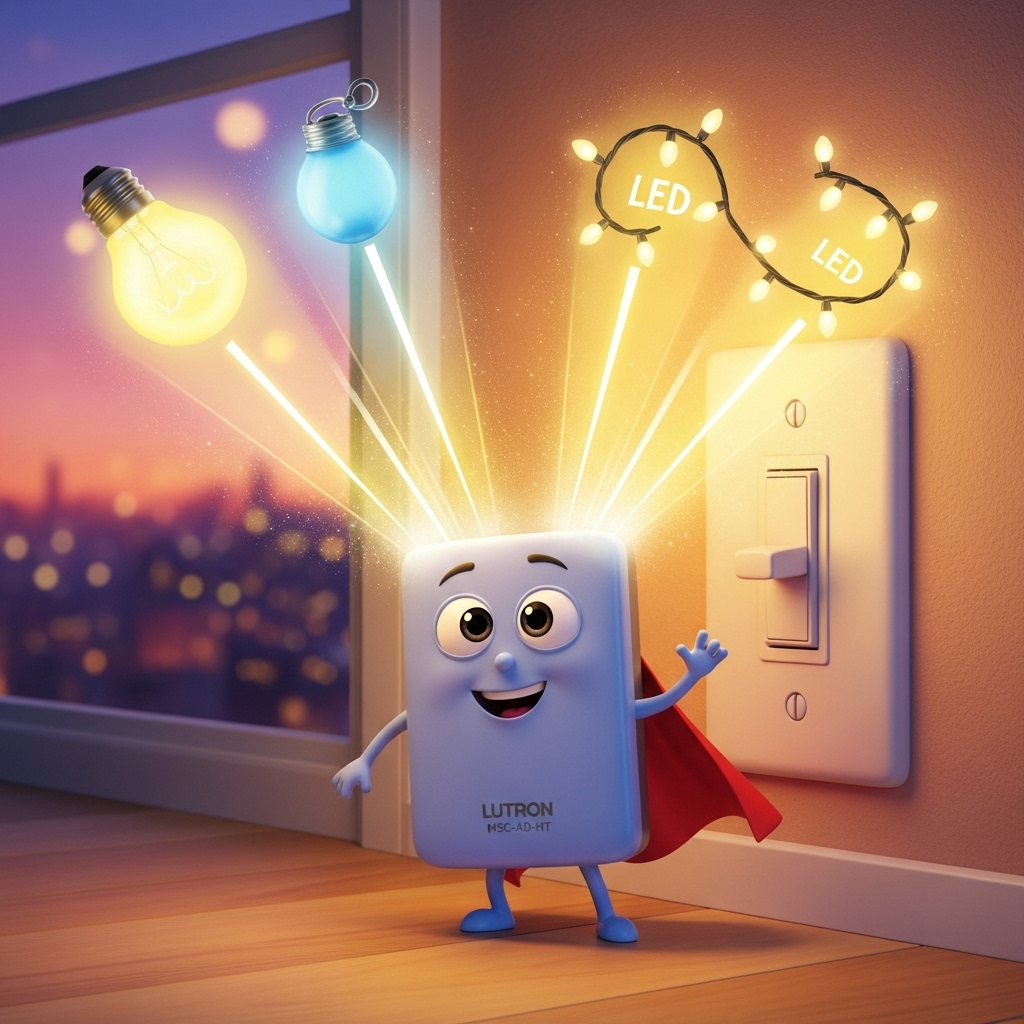
The Lutron MSC-AD-HT Maestro 600-Watt Accessory Dimmer Hot is part of Lutron’s Maestro lighting control series, designed to provide smooth dimming and multi-location control for incandescent and halogen loads 💡. Despite its name, the “Hot” in the model number doesn’t refer to overheating — it actually indicates the color finish (Hot Red) 🔴. This accessory dimmer works alongside a main Maestro dimmer to extend control across multiple wall locations, making it ideal for stairways, large rooms, and hallways.
Intro
⚡ The Lutron MSC-AD-HT Maestro 600-Watt Accessory Dimmer Hot is a versatile lighting control device designed for multi-location dimming and seamless energy management 💡. Belonging to Lutron’s popular Maestro series, this accessory dimmer works in combination with a primary Maestro dimmer switch, allowing you to control the same lighting circuit from multiple points in your home — such as the top and bottom of a staircase, or different ends of a hallway 🚶♂️.
Despite what the word “Hot” might suggest, it doesn’t mean the device overheats 🔥 — in this case, “HT” simply refers to the Hot Red color finish of the unit 🎨. However, it’s also true that dimmers can naturally feel warm to the touch during operation, especially when handling high loads or operating within tightly packed wall boxes. This guide will help you understand the difference between normal warmth and potential overheating ⚙️.
In the following sections, we’ll explore how the MSC-AD-HT Accessory Dimmer actually works, what type of loads it supports (up to 600 watts), and how to wire it correctly to prevent flickering or miswiring issues 🔧. You’ll also learn where and when to use this dimmer, including practical applications for homes, offices, and multi-location lighting setups 🏠.
We’ll also cover the most common troubleshooting scenarios — such as unexpected heat, light buzzing, or inconsistent dimming performance — and explain how to solve them safely ✅. Whether you’re upgrading an existing Maestro installation or adding extra control points to a room, this 2025 guide will give you the clarity you need to use the Lutron MSC-AD-HT Maestro 600-Watt Accessory Dimmer Hot effectively and confidently ⚡.
Main
🔎 Understanding the Lutron MSC-AD-HT Maestro 600-Watt Accessory Dimmer Hot
The Lutron MSC-AD-HT Maestro 600-Watt Accessory Dimmer Hot is not a standalone dimmer switch — it’s an accessory designed to work with a primary Maestro dimmer within a multi-location lighting system 💡. This setup allows users to dim or brighten lights from two or more wall locations, offering convenience and professional-grade lighting control across rooms, hallways, and stairways 🏠.
The “HT” designation doesn’t indicate overheating — it actually refers to the Hot Red color finish 🎨. However, some users notice that their Maestro dimmer feels warm to the touch after extended use. That’s perfectly normal, as dimmers dissipate a small amount of heat while regulating power flow. Still, understanding the difference between “warm” and “too hot” is crucial for safe operation ⚙️.
🧩 Key Features of the Lutron MSC-AD-HT
- 🔹 Works as an accessory dimmer in multi-location systems (not standalone)
- 🔹 Supports up to 600 watts of incandescent/halogen load
- 🔹 Sleek Maestro-style design with tap-on, tap-off control
- 🔹 Fade-to-off function for smooth light transitions 🌙
- 🔹 Available in multiple colors, including the Hot Red (HT) variant 🔴
- 🔹 Compatible with Lutron Maestro companion dimmers and wallplates
⚙️ Wiring and Installation Basics
Proper wiring is essential to ensure smooth dimming performance and to prevent flickering or unwanted heat. Here’s how to wire your MSC-AD-HT safely and effectively:
- Turn off power at the circuit breaker before starting ⚡.
- Connect the black (hot) wire to the power source or load side, depending on your configuration.
- Connect the blue wire from the accessory dimmer to the traveler wire running to the main Maestro dimmer.
- Connect the green or bare copper wire to ground.
- Use wire connectors approved for residential lighting circuits.
- Turn the power back on and test dimming from both control points 🧰.
🔧 Pro tip: The accessory dimmer will only work properly when paired with a compatible Maestro master dimmer (e.g., MACL-153M). Installing it alone will not provide full dimming functionality.
🔥 Warm vs. Hot: Understanding Normal Operation
Many users worry when their dimmer feels warm to the touch. Here’s what’s normal and what’s not:
- ✅ Normal warmth: Slight heat during operation is expected, especially under high load or when installed in a multi-gang box.
- ⚠️ Too hot: If the dimmer is uncomfortable to touch or emits a burning smell, turn off power immediately and check the total wattage load.
- 💡 Solution: Reduce the total load below 600 watts or install a deeper wall box for better heat dissipation.
💬 Common Issues and Troubleshooting
1. Lights Flicker or Don’t Respond
This usually means the accessory dimmer is not correctly paired with a compatible master dimmer or that the traveler wire connection is loose. Recheck wiring and confirm model compatibility 🔍.
2. Dimmer Feels Too Hot
Verify total load on the circuit. If you are controlling multiple high-wattage bulbs, distribute the load across circuits or switch to LEDs with lower wattage consumption ⚡.
3. Inconsistent Dimming
This can happen if you mix bulb types (LED, halogen, CFL). Always use compatible bulbs recommended by Lutron for best performance 💡.
🏠 Best Use Cases for the MSC-AD-HT Dimmer
- Ideal for stairways where lights are controlled from both top and bottom 🪜
- Perfect for hallways or large rooms with multiple entry points 🚪
- Great for open-plan spaces needing coordinated light control
- Stylish option when you want to match Lutron’s Hot Red wallplates 🔴
👍 Pros & 👎 Cons
Pros ✅
- Elegant Maestro design blends with modern décor
- Reliable and precise dimming response across multiple locations
- Fade-to-off function extends bulb life and improves comfort 🌙
- Excellent build quality and color finish options 🎨
- Backed by Lutron’s reputation for long-term reliability ⚡
Cons ⚠️
- Requires a companion Maestro master dimmer to function properly (cannot operate standalone)
- Limited to incandescent or halogen loads up to 600W — not ideal for high-power LED setups
- Can feel warm during extended use, which may concern new users 🔥
- Installation requires basic electrical knowledge 🧰
✅ Final Thoughts
The Lutron MSC-AD-HT Maestro 600-Watt Accessory Dimmer Hot combines elegant design, reliable performance, and safety in one unit. Whether you’re modernizing your lighting system or adding convenience to existing circuits, it’s a powerful companion to Lutron’s master dimmers. Just remember: “Hot” refers to color, not temperature 😉. With correct wiring and load management, your Maestro setup will run cool, efficient, and beautifully responsive for years to come ⚡.

Table of contents
Editorial Process
Warning
Tags