
The Lutron Motion Sensor Switch Manual is your go-to reference for understanding how to install, configure, and troubleshoot one of the most reliable motion-based lighting solutions on the market 🏠. Whether you’re using it to automate a hallway, restroom, or workspace, Lutron’s sensor switch blends smart energy efficiency with precise motion detection ⚡. In this 2025 guide, we’ll walk you through everything you need to know — from wiring diagrams and configuration steps to fine-tuning sensitivity and ambient light settings 🌞. You’ll also learn how to distinguish between occupancy and vacancy modes, how to reset your switch, and how to avoid common installation mistakes that can cause false triggers or flickering.
Introduction
💡 The Lutron Motion Sensor Switch combines advanced motion detection with smart lighting control to help save energy and improve comfort in any environment. Whether installed in a home, office, or classroom, this device automatically turns lights on when motion is detected and off after a preset timeout, ensuring convenience and efficiency 🌍.
The most common models covered by this manual include the Maestro MS-OPS2 (occupancy sensor) and the MS-VPS2 (vacancy sensor). While both look identical, their behavior differs slightly: occupancy sensors automatically turn lights on when someone enters a room, while vacancy sensors require manual activation and then turn off automatically when no motion is detected 🚶♂️.
Each Lutron motion sensor switch features adjustable settings for time delay, ambient light sensitivity, and detection range ⚙️. These settings allow you to fine-tune the device to match your environment — whether it’s a bright office, dim hallway, or a bathroom where false triggers need to be avoided.
In this 2025 Motion Sensor Switch Manual, we’ll explain wiring configurations, DIP switch adjustments, LED indicators, and common troubleshooting steps 🔧. You’ll also learn when and how to reset your switch, how to disable auto-on mode, and how to identify compatibility with LED, CFL, or incandescent bulbs.
By the end of this guide, you’ll understand exactly how to install, configure, and maintain your Lutron Motion Sensor Switch safely and effectively. Let’s get started 🧠.
Main
🧭 Understanding the Lutron Motion Sensor Switch
The Lutron Motion Sensor Switch uses passive infrared (PIR) technology to detect body heat and motion within its field of view. When motion is sensed, it activates the connected lighting load; when motion stops, it turns lights off after a set timeout ⏱️.
It’s ideal for rooms where lights are often left on accidentally — such as bathrooms, laundry rooms, storage areas, and hallways 🚪.
⚙️ Key Features
- 🔹 Adjustable timeout delay (1, 5, 15, or 30 minutes)
- 🔹 Dual mode: Occupancy (auto-on) or Vacancy (manual-on)
- 🔹 Ambient light detection prevents lights from turning on when the room is already bright ☀️
- 🔹 Compatible with LED, CFL, incandescent, and halogen bulbs
- 🔹 Sleek Maestro-style design with touch paddle and LED indicator
🔌 Wiring and Installation Guide
Follow these steps carefully to wire your motion sensor switch:
Proper installation is essential for your Lutron Motion Sensor Switch to perform correctly and safely. Before you start, always switch off power at the circuit breaker to prevent electrical shock ⚡. Once power is off, remove the existing wall switch and identify the wires inside the electrical box.
Connecting the Wires
Begin by connecting the black wire from the sensor to the hot feed (line). Then, attach the red wire to the load wire that leads to your light fixture 💡. Connect the green wire to the bare or green ground wire for safety. If your model includes a white neutral wire—common in LED or electronic circuits—connect it to the neutral bundle in the wall box as per the wiring diagram.
Mounting and Testing
After wiring, gently fold the wires back into the wall box and secure the motion sensor switch using the provided screws 🧰. Attach the wall plate and restore power at the circuit breaker. The LED indicator should blink once during startup, confirming correct wiring.
First-Time Setup
To verify functionality, move within the sensor’s field of view and ensure the lights turn on automatically (if using occupancy mode) or respond to a manual press (if using vacancy mode). If the lights fail to activate, double-check your connections and confirm that your switch model matches the intended circuit type (single-pole or 3-way) 🔍.
⚠️ Note: The MS-OPS2 model supports both single-pole and 3-way configurations when used with a compatible companion switch. Always confirm load ratings before installation to avoid overheating or flickering 🔧.
⚠️ Note: Always verify compatibility with your wiring type (single-pole or 3-way). The MS-OPS2 supports both configurations when paired with a companion switch.
🛠️ Adjusting Settings and Modes
1. Time Delay
Use the DIP switches behind the cover plate to select a delay of 1, 5, 15, or 30 minutes ⏳.
2. Sensitivity
Adjust motion sensitivity using the “High” or “Low” setting to prevent false triggers — ideal for pets or small movements 🐾.
3. Ambient Light
Enable daylight sensing to stop lights from turning on in bright conditions 🌞.
💬 Common Issues and Troubleshooting
- ⚠️ Lights won’t turn on: Check if the switch is set to vacancy mode or if ambient light lockout is active.
- ⚠️ Lights flicker: Use dimmable, Lutron-approved LED bulbs and confirm correct neutral wiring.
- ⚠️ Switch stays hot: A small amount of warmth is normal; ensure wattage doesn’t exceed rated load (250W LED/CFL, 600W incandescent).
- ⚠️ False triggers: Reduce sensitivity or reposition the sensor to avoid HVAC vents or moving drapes.
👍 Pros & 👎 Cons
Pros ✅
- Energy-efficient automation saves power and bulb life 🌱
- Hands-free convenience for busy or high-traffic areas
- Simple installation — no hub required
- Works with multiple bulb types (LED, CFL, incandescent)
- Adjustable modes and sensitivity provide flexibility ⚙️
Cons ⚠️
- Limited to passive infrared detection (no ultrasonic option)
- Requires manual adjustment for optimal range
- Can trigger false ON/OFF if installed near air vents or windows 🌬️
- No direct smart home integration (without additional hardware)
🔄 Resetting Your Lutron Motion Sensor Switch
If your switch behaves unexpectedly or you’ve changed wiring, perform a factory reset:
- Press and hold the main button for 10 seconds.
- Release when the LED flashes rapidly.
- Reconfigure your settings as desired 🔁.
✅ Final Thoughts
The Lutron Motion Sensor Switch offers a reliable, stylish, and efficient way to automate lighting in your home or business. With easy wiring, adjustable settings, and dependable motion sensing, it’s one of the most user-friendly lighting controls available in 2025. Whether you’re replacing a manual switch or upgrading to energy-saving automation, this Lutron model delivers smooth, smart performance — without the need for Wi-Fi or hubs 🚀.
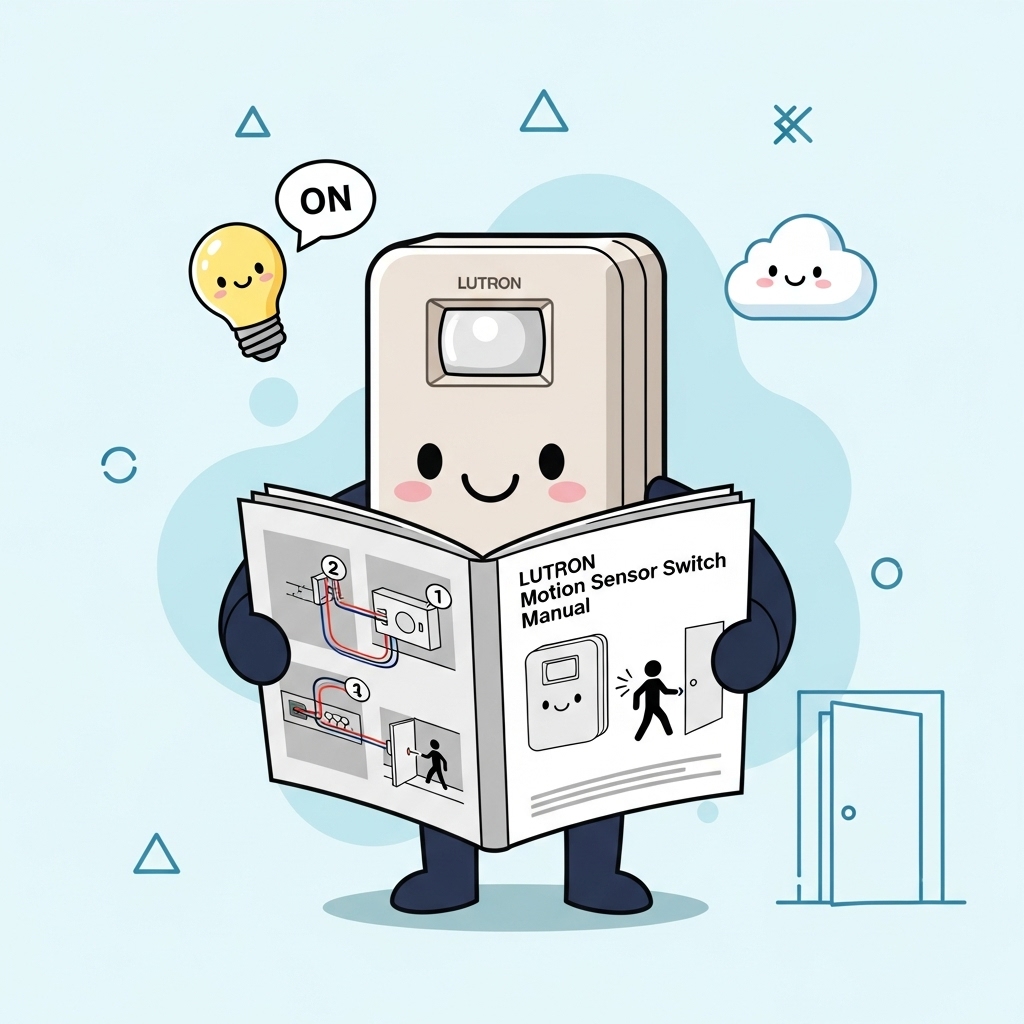
Table of contents
Editorial Process
Warning
Tags